
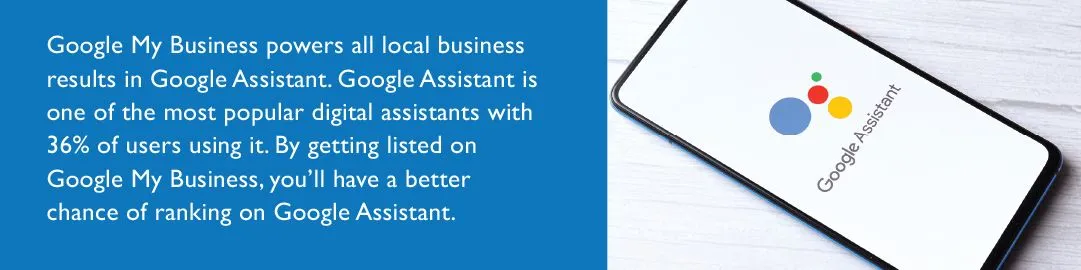
HOW DO I GET GOOGLE ASSISTANT TO LIST MY BUSINESS?
Add your business through Google Maps
If you’re not on Google, you’ll need to add your business.
- On your computer, sign in to Google Maps.
- You can add your business in 3 ways:
- Enter your address in the search bar. On the left, in the Business Profile, click Add your business.
- Right-click anywhere on the map. Then, click Add your business.
- In the top left, click Menu Add your business.
- Follow the on-screen instructions to finish signing up for your Business Profile.
Claim your business through Google Maps
If you already have a Google listing, you’ll need to claim your business.
- On your computer, open Google Maps.
- In the search bar, enter the business name.
- Click the business name and choose the correct one.
- Click Claim this business > Manage now
- To choose a different business, click I own or manage another business.
- Select a verification option, and follow the on-screen steps.
Summary
That’s it! You now have claimed and can manage your listing on Google. And, you’ve found the secret to getting your business listed–and found–on Google Assistant.